Order step by step
Lunch menu, starters, salads, mains, dessert, drinks – guests tap through and show their list at the end.
Digital menu
Scan the QR code or NFC tag on the table – and your guests choose step by step, with photos and in their own language. No app, no waiting, in the look of your restaurant.
Case study
For Divan on Bertoldstraße we turned the printed menu with more than 200 dishes and drinks into a digital one: in 14 languages, with the restaurant’s own photos and an entrance like an oriental palace.
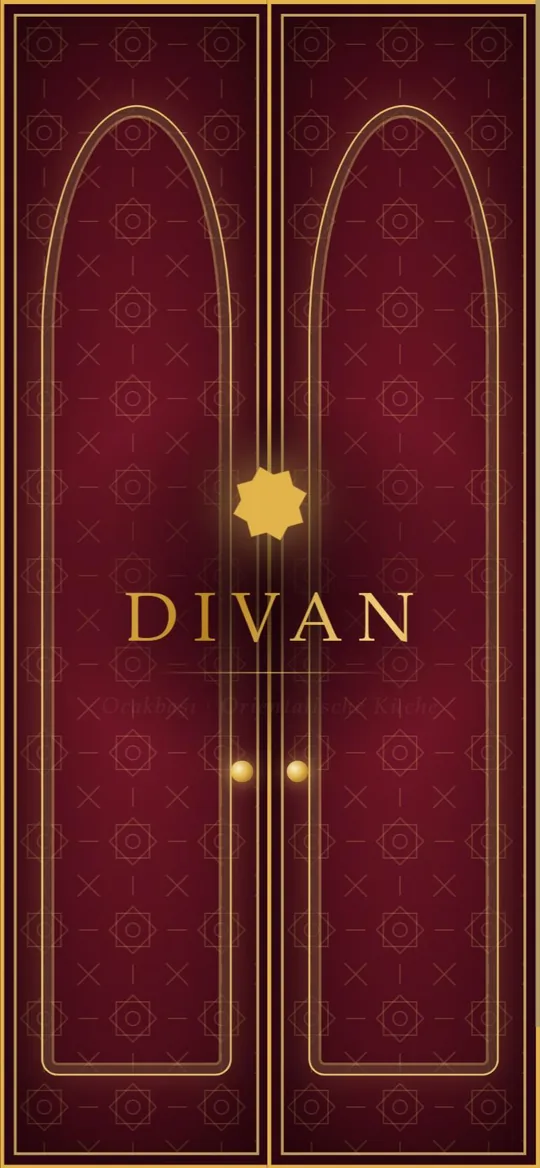 1 The entrance: two palace doors swing open
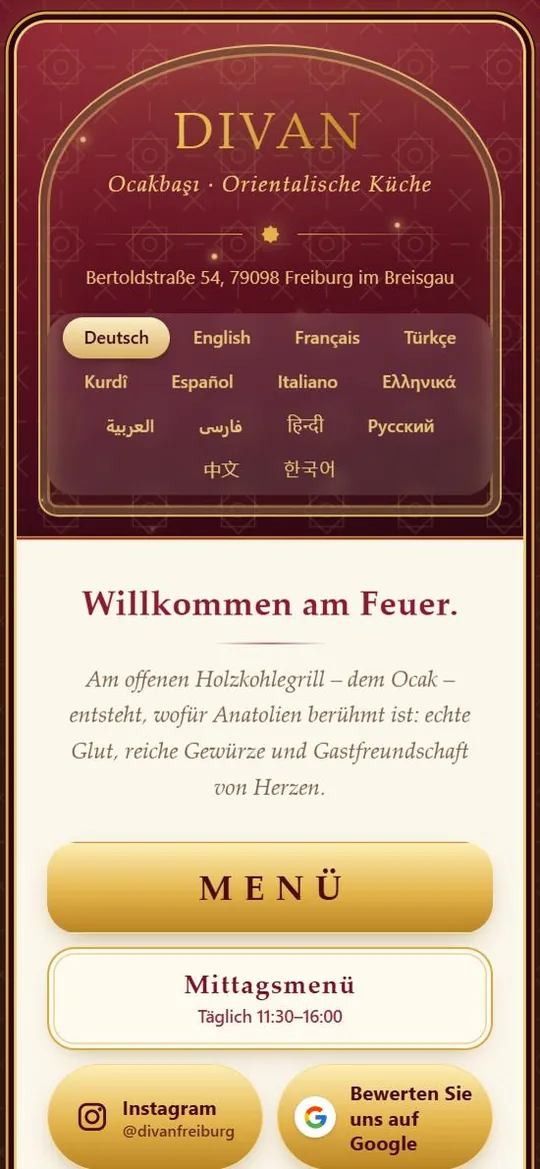 2 Welcome, menu and lunch menu
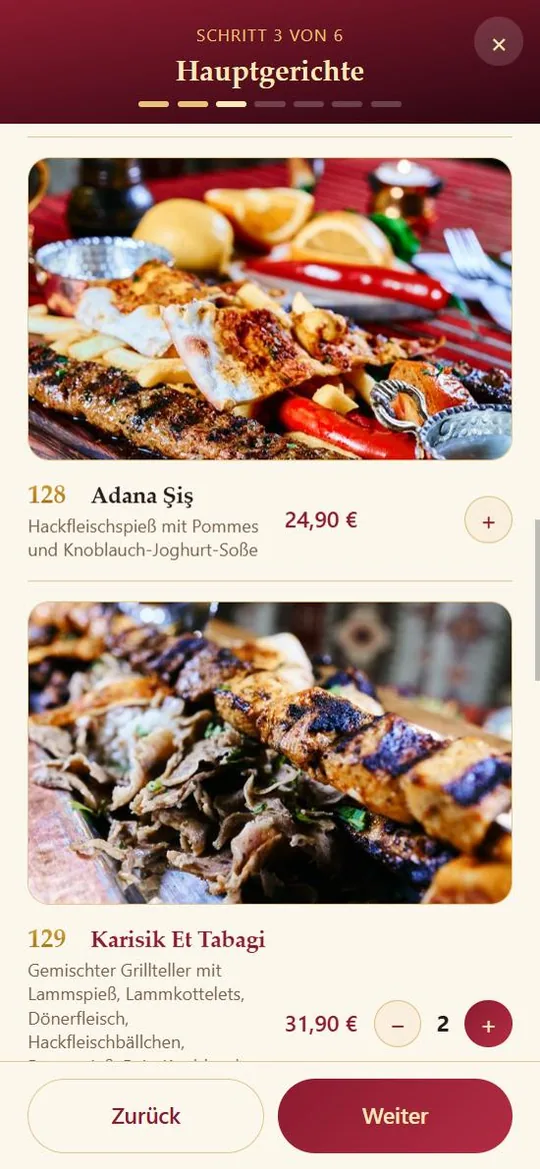 3 Step by step, with photos and numbers
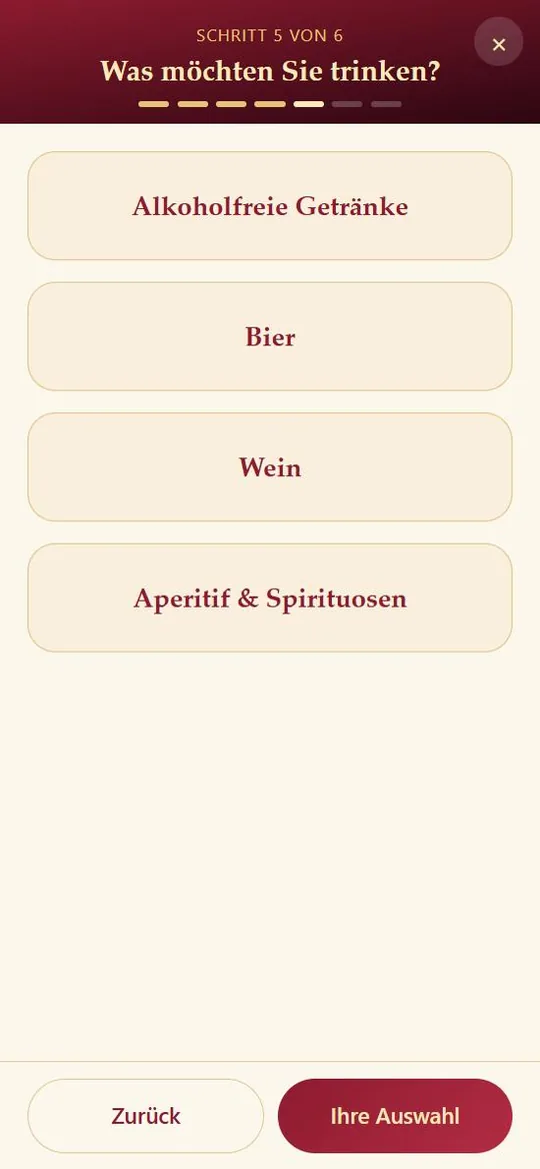 4 Drinks by type
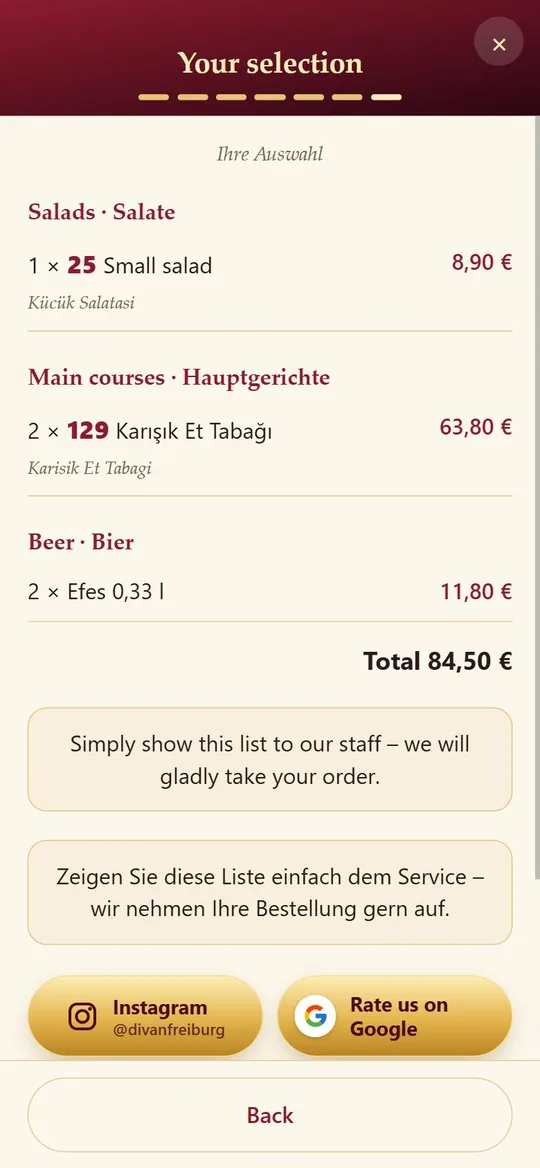 5 The selection in the guest’s language – with the German name for the staff
What the menu does
Lunch menu, starters, salads, mains, dessert, drinks – guests tap through and show their list at the end.
From Arabic to Korean, right-to-left included. The selection shows the German name for your staff.
Sections only appear at their time – the lunch menu, for example, from 11:30 to 16:00.
The restaurant’s own pictures and the numbers of your printed menu – staff find every dish instantly.
Colours, patterns and an entrance animation that match your restaurant – not off the shelf.
QR code or NFC stand on the table; the page loads in seconds, even with poor reception.
At the table only the selection, for guests outside the full menu – for your website, Google profile and Instagram.
Buttons to your Instagram and to Google reviews – at the start and at the end of the selection.
How it works
PDF, photo or link – that is all we need.
Dishes, prices, numbers, translations and your photos.
You get a preview link and tell us what is still missing.
QR codes or NFC stands – and your guests start choosing.
FAQ
No. Point the camera at the QR code or hold the phone to the NFC stand – the menu opens in the browser.
Guests put together their selection and show it to the staff. If you like, orders can also go straight from the table to your team.
Allergens can be stored per dish and filtered; your restaurant’s notice appears at the end of the selection.
A short message is enough – we update the menu and the new version is on the table right away, without new QR codes.
Send us your current menu – we will show you what it looks like digitally.